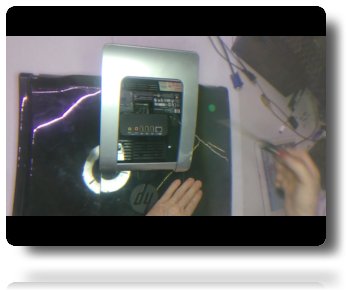
Locate and remove the only two screws on the back.
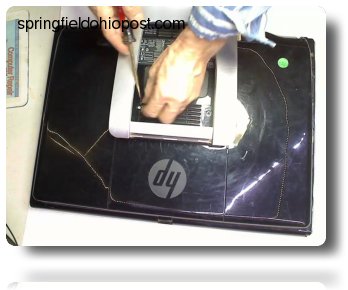
The covers will slide outward and can be placed to the side.
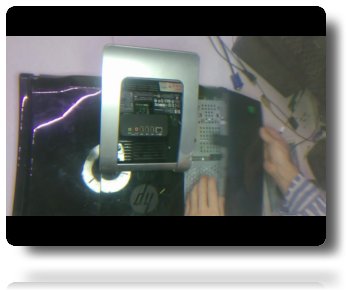
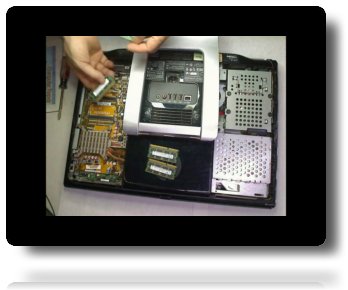
Remove memory by pushing outward on the release tabs.
Simple Instructions
Locate and remove the only two screws on the back.
The covers will slide outward and can be placed to the side.
Remove memory by pushing outward on the release tabs.
Add replacement upgrade memory.
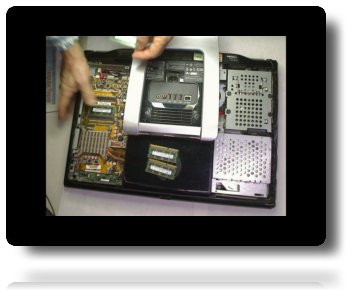
Replace cover and screw.
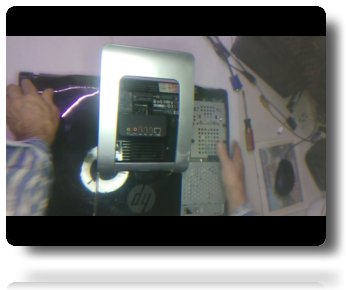
Unscrew the solitary release screw toward the back of the hard drive.
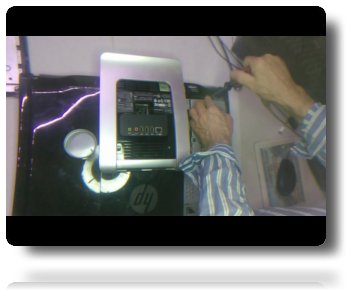
Pulling up from the rear.
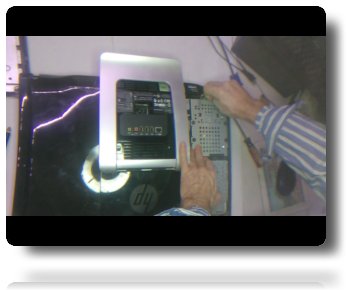
Take care to disconnect the data cable from the drive prior to swapping with the replacement drive.
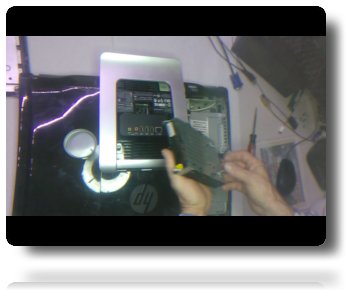
Replace the cover and screw.
Spring
Today's Date is Friday, 06-Nov-2026 12:41:59 EST
2014-2026 Kenny Hendrick and the Public Diary. All Rights Reserved.
Did you find anything helpful?
The Link below may be used to pay for merchandise, Computer Repair Services, or
buy me a coffee!~

Click to use the CONTACT US Page